Skip to content

Find what you need

From doctors to tailors — browse by category, or look for whatever is closest.
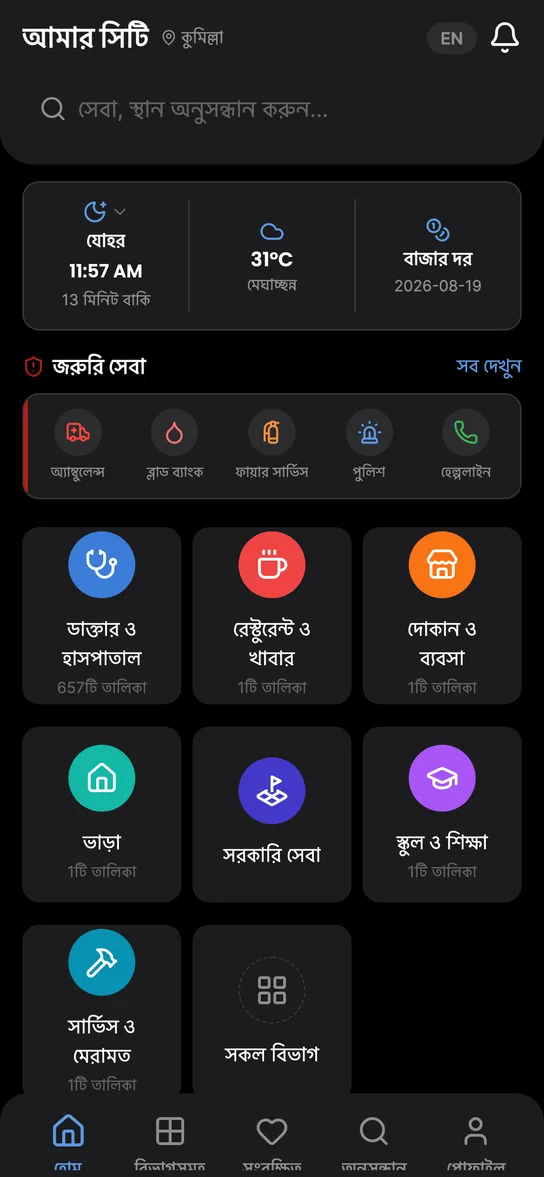
The app’s home screen: categories, emergency services and today’s prayer time
  • 13 categories

    Doctors, shops, restaurants, schools, banks, government offices, bazars and more — all organised into separate categories.

    Helpful for people who are new to an area or looking for a specific service.

  • Nearby search

    Find the nearest services using your location. Nearest results come first.

    Perfect when you need something quickly.

  • Emergency services

    An emergency-contacts section for Cumilla is in the app, and it is still growing.

    It fills out as local collectors add numbers.
Your day at a glance

What you check every morning sits on the app’s home screen.

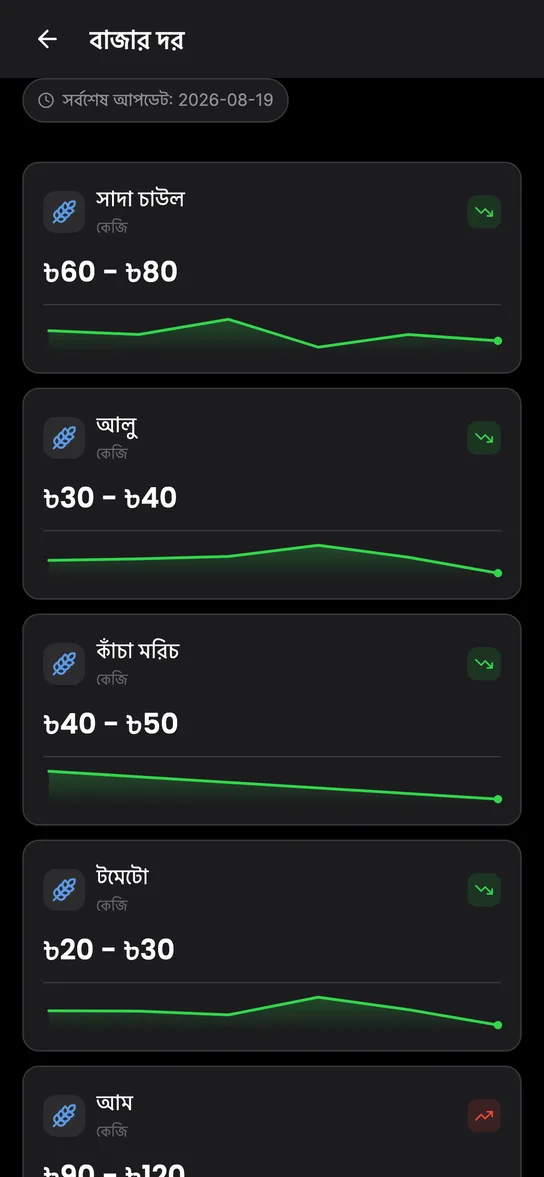
The market prices screen: today’s rice, potato and green chilli prices
  • Market prices

    Check updated prices of daily essentials before going to the market.

    Helps you plan your daily shopping.

  • Prayer times & weather

    Get prayer times and weather updates for your city in one place.

    No need to use separate apps.

Trade, hire and ask locally

Sell something, find work, ask a question — people who live here answer.

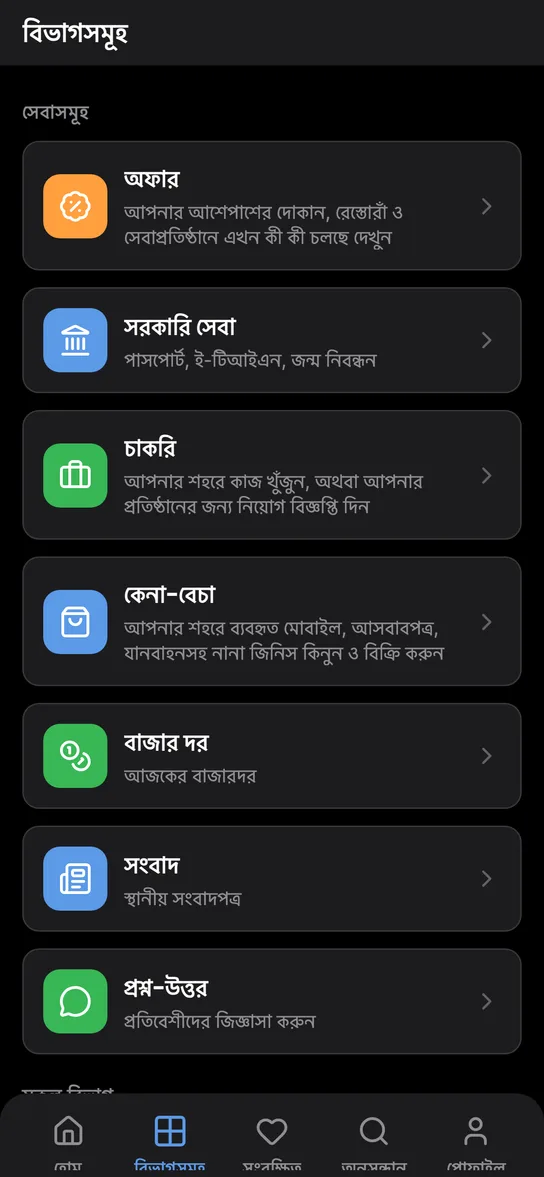
The services list: offers, jobs, buy & sell and Q&A
  • Buy & sell

    Sell something you no longer need by posting it with photos and a price. Every advert is checked before it goes live, and the seller’s number stays hidden until a buyer asks for it.

    For finding a buyer or a bargain within Cumilla itself.

  • Local jobs

    Browse local job posts, or advertise a vacancy at your own business. A post can be closed as soon as the role is filled.

    For both sides of hiring in Cumilla.

  • Community Q&A

    Ask a question about the city and get answers from people who live here. Questions are reviewed before publication, and no one’s phone number is ever shown.

    For the things no directory entry can tell you.

How every listing gets here

  1. Local people send it in

    Collectors and users in Cumilla submit what they know about their own area.

  2. Our team looks it over

    Every listing, advert and question is checked by our team before it is published.

  3. Then it goes up for everyone

    If something looks wrong, tell us from inside the app.

For business owners

Your business may already be in the app. What it says is now in your hands.

  • Claim your business listing

    If your business is already in the app, confirm the phone number on the listing to take ownership of it — then send updates to its hours, photos and details yourself.

    If something is wrong, you can fix it yourself.

  • Offers & discounts

    Attach a running discount to your own listing, where anyone browsing that category will see it. Every offer carries an expiry date and retires itself when it passes.

    Shoppers win too: a look before buying saves money.